How to automate a morning inbox briefing
Automate your morning email briefing: a scheduled AI agent triages overnight Gmail into reply / FYI / skip and emails you the summary before you log on.
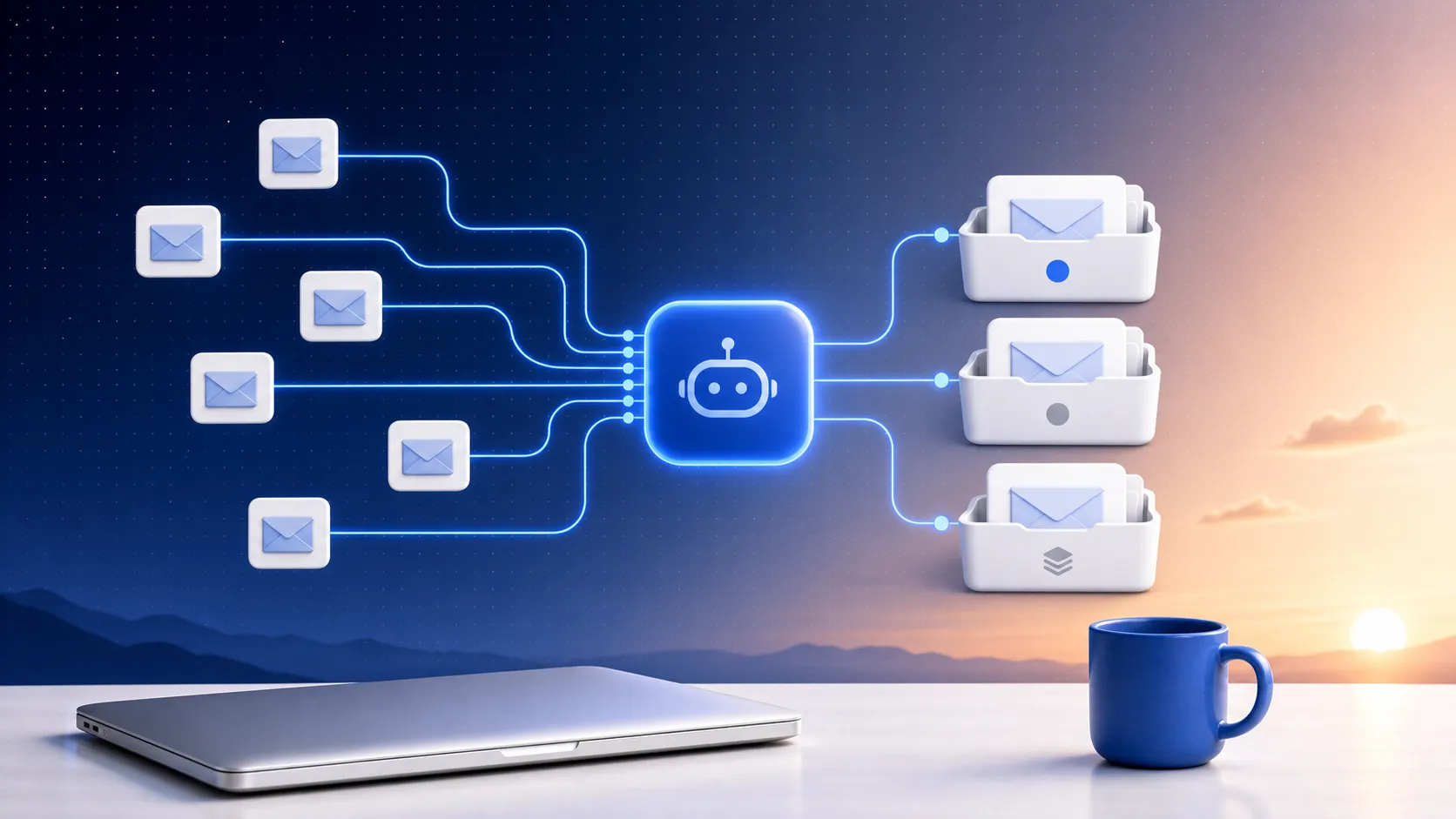
To automate a morning inbox briefing, you point a scheduled AI agent at your email each weekday morning and let it do the triage for you: it reads everything that landed overnight, sorts it into what needs a reply versus what's just FYI versus what's safe to ignore, and emails you that summary before you open your inbox. You set it up once — connect your email, write the instructions in plain language, pick the time — and it runs unattended on that cadence. No rules to maintain, no filters to babysit. The daily triage is done before you sit down.
That's the job a scheduled agent is built for. Inbox triage is judgment-shaped — what matters changes day to day — it's repetitive, and it happens at a predictable time. Exactly the kind of work a rigid filter can't do but a scheduled agent can.
What automating your inbox summary actually means
Old-school email automation is rules: if from X, label Y. That sorts mail, but it never tells you what to do with it — you still open the inbox and triage by hand. A scheduled agent flips that. Instead of moving messages around, it reads them, judges them, and hands you a decision-ready briefing.
A good morning briefing groups overnight mail into three buckets:
- Needs a reply — the messages waiting on you, summarized so you know what each one wants.
- FYI — things to be aware of but not act on.
- Probably skip — newsletters, receipts, and notifications, collapsed into a single count so they don't clutter the view.
That's it. You glance at it over coffee, you already know where the morning goes, and you open Gmail with a plan instead of a wall of unread.
How to set it up with Clourou
Clourou is a scheduled AI agent: it runs recurring work unattended on a cadence, connects to your tools over MCP, and emails you the result (also kept in-app). For a morning briefing the pieces are simple.
- Connect your inbox with the Gmail integration. Keep it read-only — the agent reads and triages your mail but never drafts, sends, or files anything. OAuth tokens are encrypted at rest and revocable any time.
- Write the instruction in plain language: read everything from the last 12 hours, group it into Needs a reply / FYI / Probably skip, and email me the briefing.
- Set the cadence — weekdays at 8am is the obvious one — and turn on email delivery.
Then you walk away. Each weekday morning the agent wakes up, pulls your overnight Gmail, sorts it, and the briefing lands in your inbox before you do. Because it's a real scheduled run, you're not babysitting a script — and Clourou is pay-as-you-go, so there's no seat to buy and no cap on how many mornings it runs.
The fastest way in is to not write any of it from scratch. Copy the ready-made routine — it ships with the exact prompt and a sample of the emailed briefing, so you can see what you'll get before you commit. Connect your Gmail, pick your time, done.
Make it yours
Once the basic briefing is running, the plain-language instruction is where you tune it. A few moves that work well:
- Tell it which senders or threads always count as Needs a reply — your boss, a specific client, anything mentioning a deadline.
- Have it pull a one-line why this matters on the top two or three messages so you're not guessing.
- Widen or narrow the window — last 12 hours for a daily, or since Friday for a Monday catch-up.
Because Clourou connects over MCP, the same pattern extends past email. Routine runs get a real hosted Linux sandbox and built-in web search, so a briefing can just as easily fold in your calendar or a quick check of something you're tracking on the web — no extra setup for the web part. Inbox triage is just the first domino.
If you want to see what else fits this mold, here's the 12-things list of jobs worth handing to a scheduled agent, and the MCP-native automation playbook for how the connect-your-tools part works under the hood.
Ready to stop triaging by hand? Copy the morning briefing routine or browse the full templates gallery, then sign in to point it at your inbox and pick your time.
Put one of these on a schedule
Schedule an AI agent, connect your tools over MCP, and get the results in-app and by email. Pay-as-you-go — no seat, no task cap.