The MCP-native automation playbook
MCP-native automation: connect your own tools over MCP and run them on a schedule with a reasoning AI agent that does the work and emails you the result.
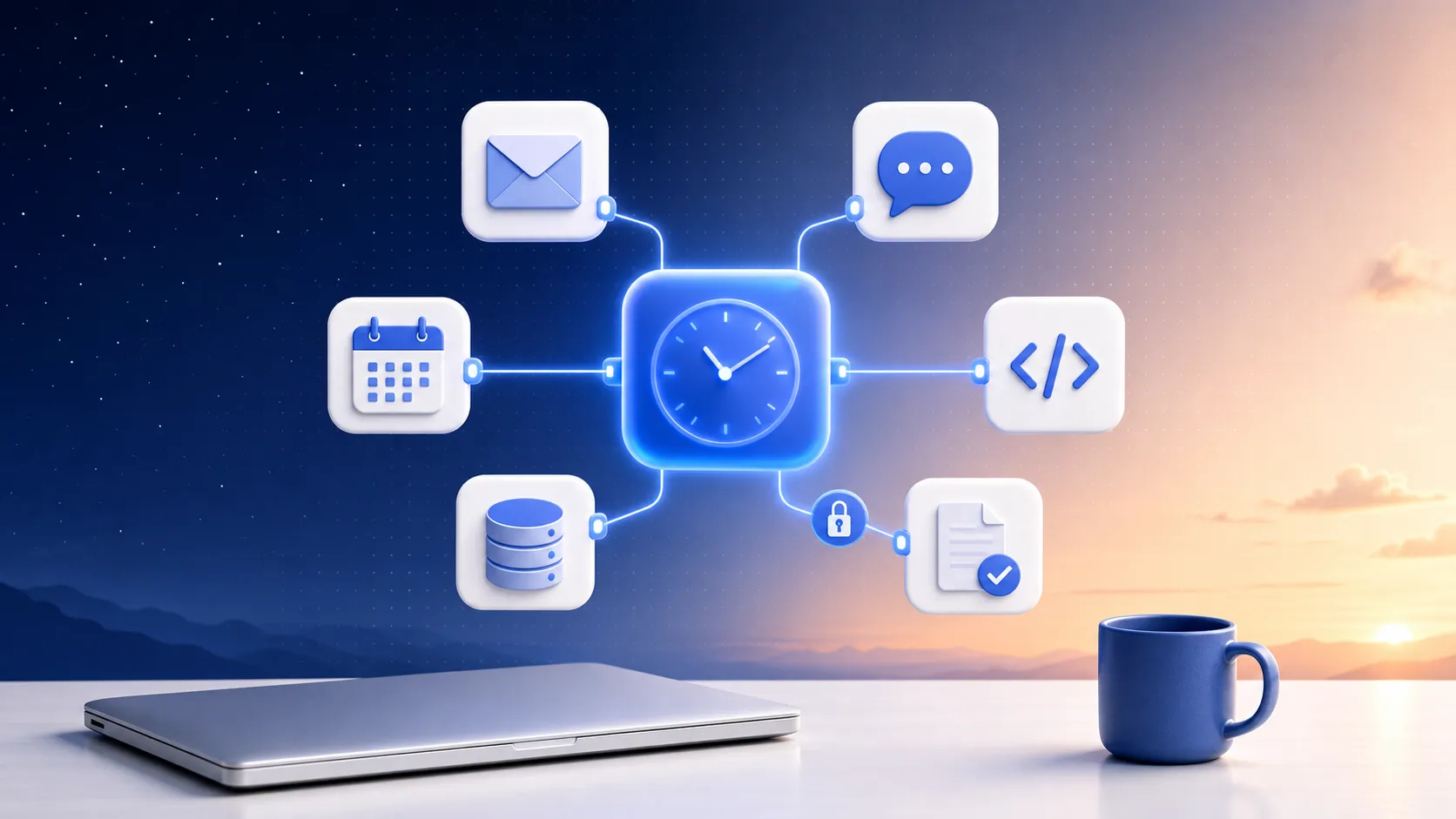
Most automation only handles the easy half of your work. When X happens, do exactly Y is perfect for deterministic plumbing — copy a row, post a message, move a file. It falls apart the moment a task needs judgment: read these twelve issues and decide which three actually matter, skim last night's errors and tell me what's new, draft a reply that fits the thread. That fuzzy, reasoning-shaped work is the half that eats your week, and rule-based tools can't touch it.
MCP-native automation is the answer to that other half. You connect your tools over MCP, give a reasoning AI agent plain-language instructions and a cadence, and it runs unattended — researching, deciding, drafting, and writing back — then emails you the finished result. That's the whole idea: a scheduled AI agent that reaches into your real stack, does the judgment work, and hands you something done. It's the agent that runs while you sleep.
So what is MCP? MCP (Model Context Protocol) is an open standard for giving an AI model real tools — a uniform way to plug in apps like Gmail, Notion, GitHub, Slack, and Linear so the agent can actually act in them, instead of being limited to a fixed, vendor-curated integration list. "MCP-native" flips that limit: you bring any MCP server — the catalog ones connect in a click, or you point the agent at your own custom endpoint — and it uses that tool like a native capability.
Why "MCP-native" is the whole game
The phrase matters because most "scheduled AI" you've seen isn't this. The scheduled features built into chat apps usually can't reach your own tools over MCP at all — they read from their own walled garden. They come with task caps, seat or subscription gates, and they lean toward reminders ("here's your meeting") rather than doing the work ("here's the brief I wrote from your calendar, your inbox, and your CRM").
To run MCP tools on a schedule, you need three things in one place: a reasoning agent, a real cron, and a connection to the tools you already use. That's the wedge. Rigid workflow builders — the Zapier / Make / n8n family — give you the schedule and the connections but no reasoning; they execute steps, they don't decide. Chat-app schedulers give you reasoning but no MCP and a cap. MCP-native automation is the combination: judgment, on a cadence, wired to your stack, pay-as-you-go with no seat and no per-task cap.
When you connect your tools to a scheduled AI agent this way, the agent isn't limited to a fixed menu. It can search the web, write files in a real hosted Linux sandbox, query your Google Sheets, read your Jira sprint, or pull from Salesforce — whatever you've connected — and combine them in a single run.
The control story (the part that actually decides it)
The first thing serious people ask before handing an agent the keys to their stack is: who can see my data, and what happens to my tokens? Fair question — here's the honest, specific answer.
- Your secrets are encrypted at rest with AES-256-GCM; the product stores ciphertext it can't read, so your tokens stay yours.
- Every outbound connection is SSRF-guarded, so a connection can't be tricked into reaching internal or private addresses.
- OAuth connections are auto-refreshed so routines keep working, and you can revoke access any time from the provider's side.
- MCP connections are reusable across routines — connect HubSpot or Stripe once (API-key or OAuth), then attach it wherever you need it.
The point of MCP here isn't just convenience — it's control. Because you bring the connection, you decide what the agent can reach, and you can pull the plug without waiting on anyone. That's a different posture from a closed integration list you don't own.
How to think about what to automate
Good MCP-native routines share a shape: a recurring question that needs a human-ish read across a few sources, delivered before you'd normally get to it. Start with the briefings and the watches.
- A morning read across your inbox and calendar → Inbox morning briefing and Day-ahead calendar brief
- Engineering signal you'd otherwise miss → GitHub issue triage, Sentry morning error digest, and Jira sprint risk report
- Sales and CRM movement, summarized → HubSpot new leads brief, Salesforce new leads brief, and Stripe daily revenue snapshot
- Team and project rollups → Linear weekly progress report, Notion project status rollup, and Slack daily channel summary
- Outside-the-walls watching → Daily competitor pricing watch, Brand mentions digest, and Morning AI news digest
Each of those is a starting recipe, not a cage — open one, change the instructions, swap the connection. The full set lives in the templates gallery, and the integrations directory shows every tool you can wire up, from Airtable and Google Drive to Discord and Asana.
Set it up once, then forget it
The mechanics are deliberately boring. Connect a tool over MCP — one click for catalog servers, or paste your own endpoint. Pick a cadence, anything down to every 15 minutes. Write what you want in plain language. The agent runs unattended on that schedule, does the reasoning work against your live tools, and delivers the result in-app and by email. No seat to buy, no task cap to hit — you pay for what runs.
That's how to automate with MCP: not another trigger-to-action rule, but a reasoning agent on a schedule that actually reaches your stack — and finishes the work.
Pick a recipe from the templates and point it at your own tools, or start a routine and describe the job in your own words.
Put one of these on a schedule
Schedule an AI agent, connect your tools over MCP, and get the results in-app and by email. Pay-as-you-go — no seat, no task cap.